START HERE · FREE ONLINE PNGTUBER MAKER
Make your reactive PNGTuber first
Turn one character idea into four consistent speaking and blinking PNG states, then download the ready-to-import Veadotube Mini pack.
It is the core tool: begin with the avatar, then create matching stream graphics only when your character is ready.
Three guest creations · No account required to start.
BUILD THE REST OF YOUR STREAM KIT
One character, then the tools that support it
The PNGTuber Maker stays the starting point. Use these focused makers afterwards for the parts that belong around your avatar.
3. Banner & Overlay
Make channel art and a text-free stream frame.
Everything needed for a simple reactive avatar
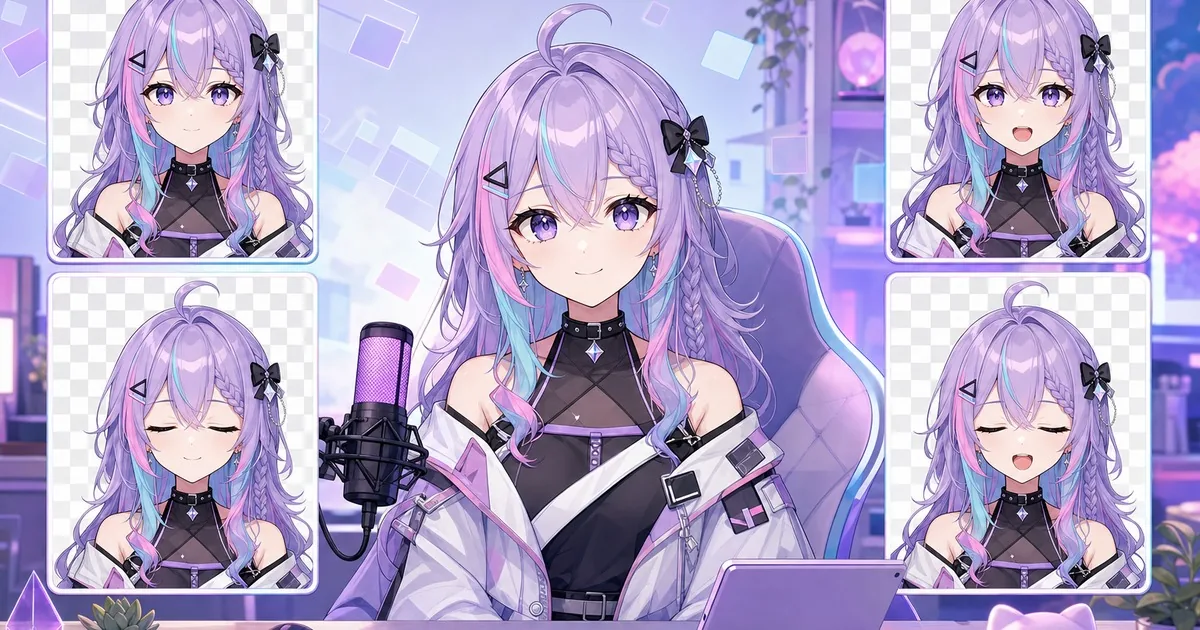
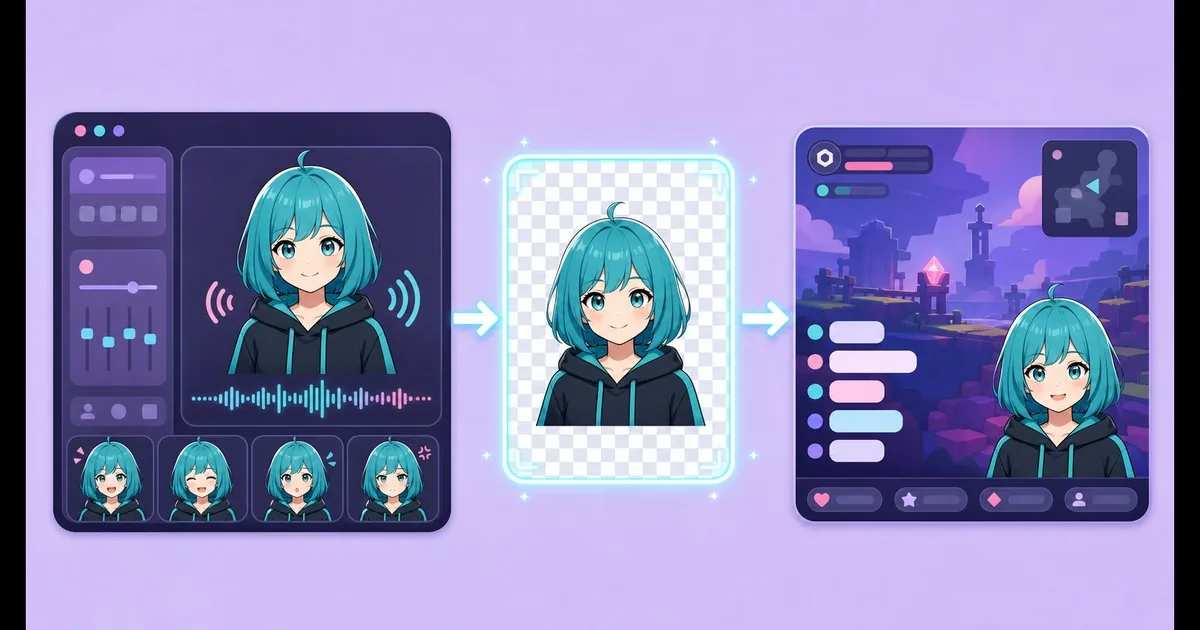
Four consistent states
Receive idle, speaking, blinking and speaking-while-blinking PNG images based on the same character design.
Creative pose control
Describe the body pose, attitude and emotional energy separately from the character prompt.
Veadotube Mini pack
Download the completed character as a .veadomini project instead of assembling every state manually.
Matching channel art
After the character is complete, create an optional matching stream background and 1920×600 banner. Read the stream background guide or Twitch banner guide.
How it works
- Describe the original character you want.
- Pick a visual style, framing, mood, pose and emotion.
- Generate the four states and download the individual PNGs or Veadotube Mini file.
- Optionally create a matching stream background and Twitch banner after the character is ready.
You can try three creations before an account is required.
PNGTuber guides
Learn the four character states, write a cleaner prompt, and set up microphone reactions in Veadotube Mini.
What is a PNGTuber?
Build the four core states and write a character prompt that stays readable on stream.
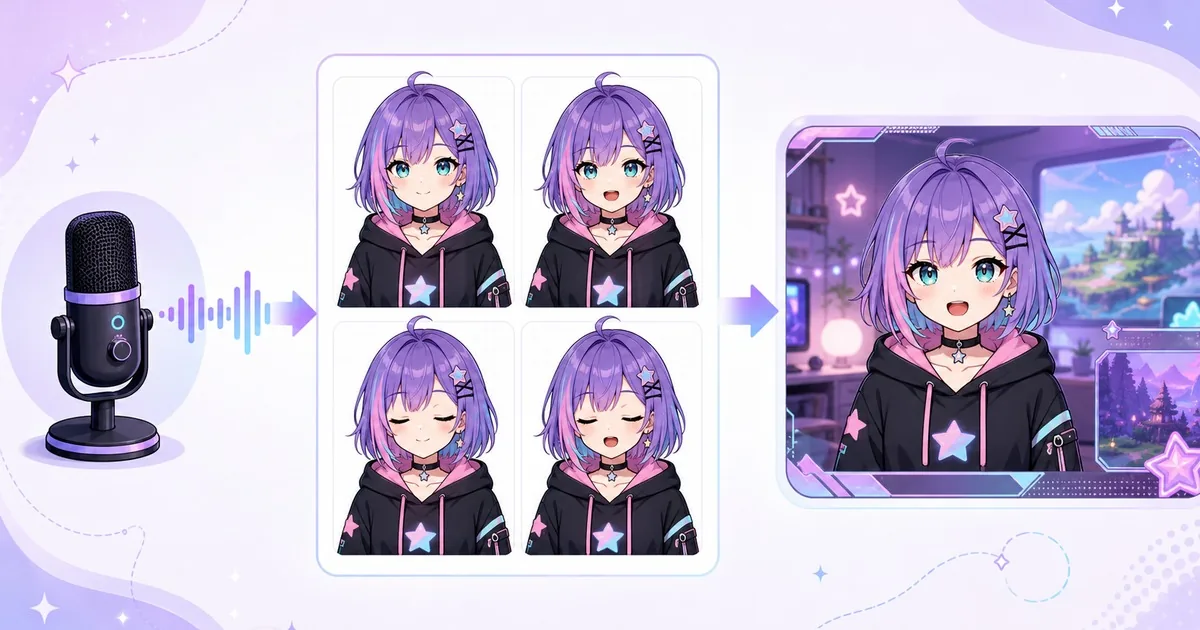
Set up Veadotube Mini
Choose the microphone, tune voice detection, test blinking and capture the avatar.
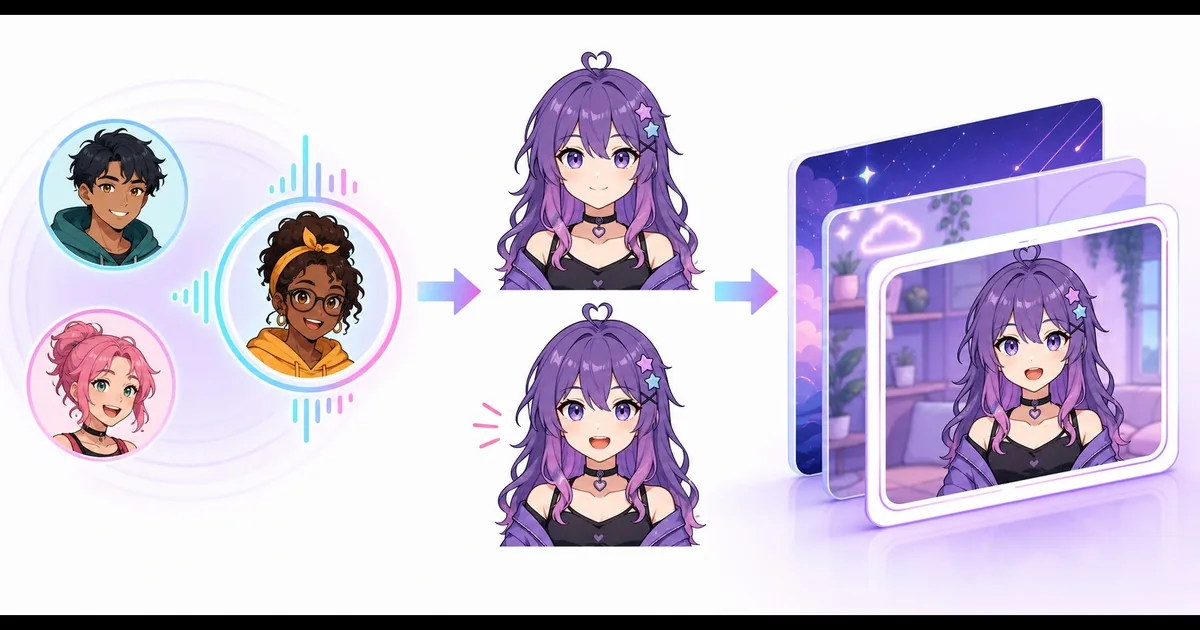
Discord Reactive Images
Connect Discord voice activity to idle and speaking PNG states in an OBS or Streamlabs browser source.
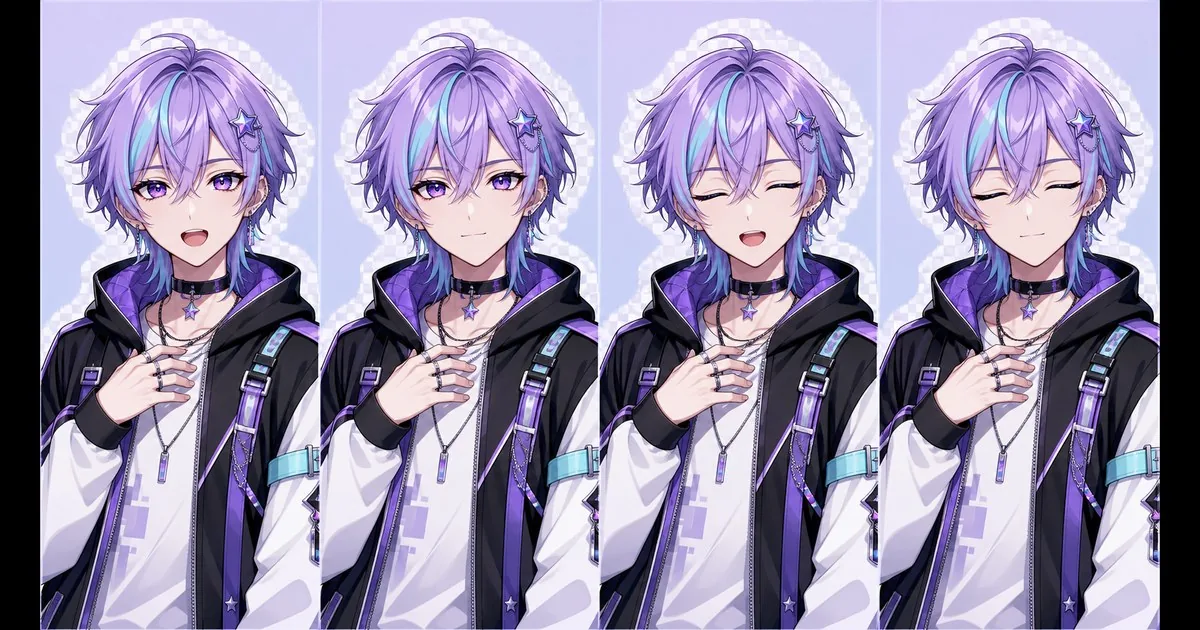
Plan PNGTuber poses and expressions
Build the four essential eye and mouth states, lock the pose and prepare a practical artist brief.
WHERE TO USE IT
Use your PNGTuber on Twitch, Discord or videos
A four-state character is the visual source. Veadotube Mini, Discord Reactive Images or another runtime handles voice activity, while OBS assembles the final stream or recording.
Twitch streams
Connect the microphone reaction, capture the transparent avatar in OBS and test the full scene before going live.
Discord voice calls
Switch between idle and speaking PNGs from Discord voice activity, then embed the reactive browser source in OBS or Streamlabs.
YouTube videos and Shorts
Record the reactive avatar as part of an OBS scene for commentary, tutorials or short-form clips. The same A/B/C/D states remain reusable.
STREAMING SETUP
Add your PNGTuber to OBS
Compare transparent capture methods for Windows, Linux and macOS, then position, key and sharpen the avatar for a clean stream scene.
CHOOSING SOFTWARE
Veadotube Mini or PNGTuber Plus?
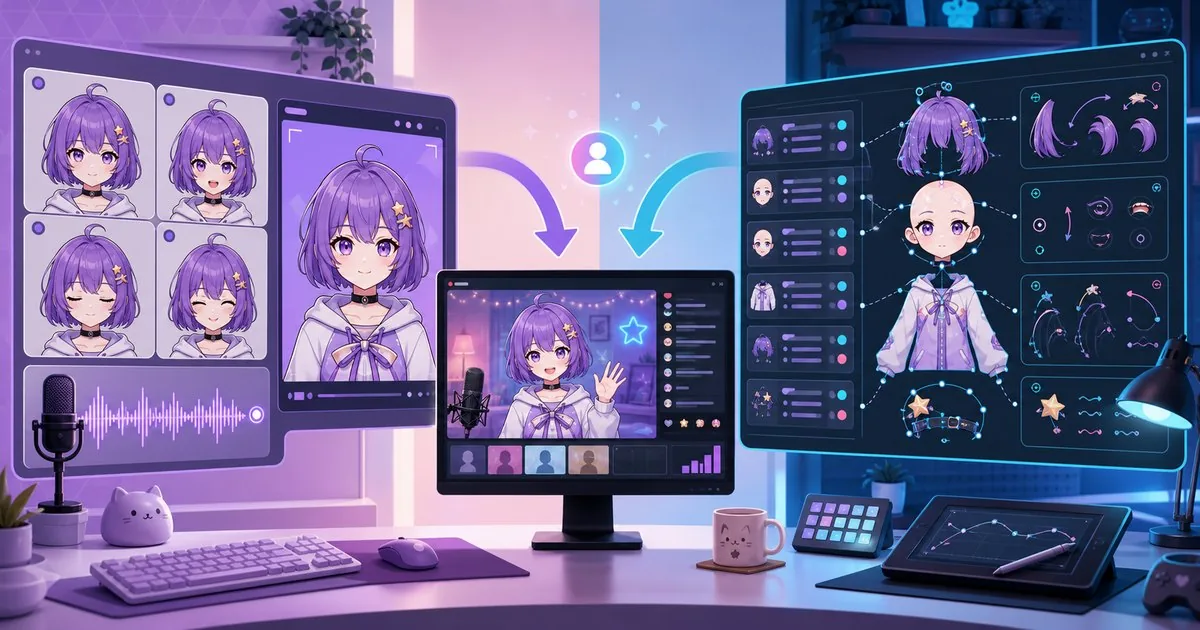
Compare cross-platform four-state reactions with Windows-based layered sprites, bounce, jiggle and secondary motion.
CHARACTER INSPIRATION
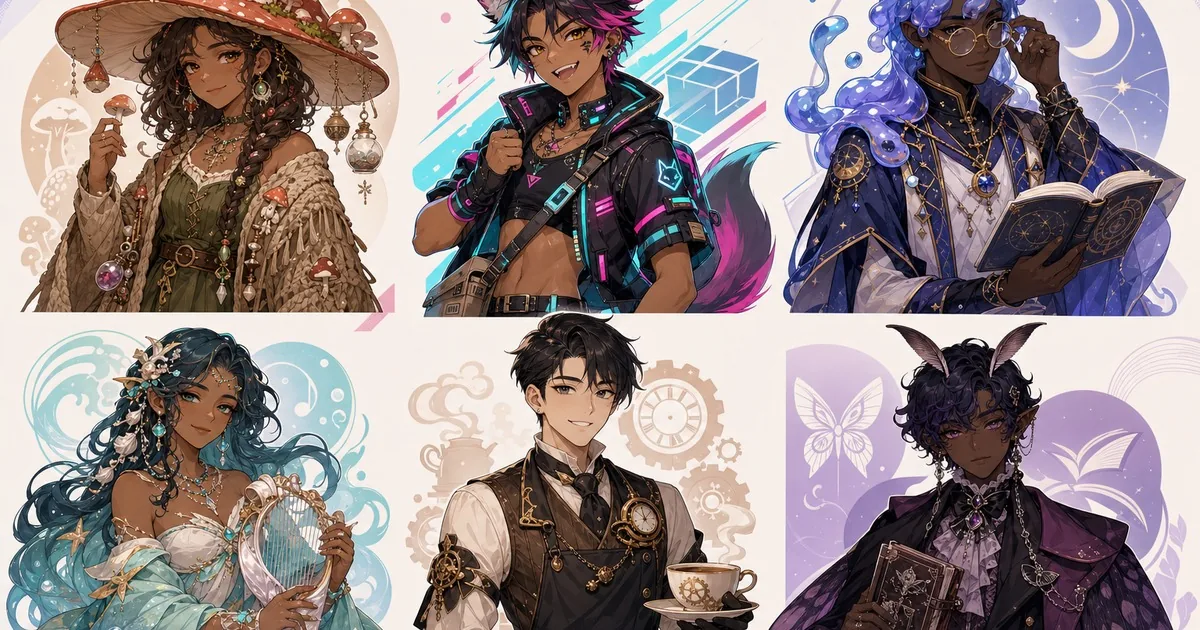
25 original PNGTuber ideas
Explore cozy, cyber, creature-inspired and unexpected concepts with character prompts and separate pose directions ready to adapt.
Free VTuber creator tools
Create a PNGTuber and matching stream graphics with one shared FreePNGTuber account and daily allowance.
- PNGTuber Maker — create four reactive avatar states.
- VTuber Background Maker — design custom stream rooms.
- Twitch Banner Maker — create streamer headers with exact text.
- VTuber Assets Maker — make transparent PNG props.
- VTuber Overlay Maker — build stream frames.
Learn and improve
Latest PNGTuber guides
Fresh practical help for designing, testing and streaming with a reactive avatar.
A Small Branding Kit for a New PNGTuber Channel
Build a small PNGTuber channel kit around recognizable avatar details, a banner, a readable stream background and optional props. Test the assembled scene.
Using transparent VTuber props as separate OBS sources
Add transparent PNG props to OBS as independent Image sources, then position and toggle them without flattening your reactive PNGTuber states.
Why Your PNGTuber Looks Blurry in OBS
Trace a blurry PNGTuber through its source image, OBS transform, scale filtering, canvas, and output without confusing softness with an alpha halo.